No account required
Start without creating a profile or handing over an email address.
 Dash VPN
Download
Dash VPN
Download
Private by direction
Choose an available region or service route in the current app. Availability changes, and a VPN cannot guarantee access to a third-party service.
Get Dash VPN for Apple devices1,000+ servers. No account to create. No maze of settings. Just choose what you need and connect.
Why use Dash VPN
Protect your connection on public Wi-Fi, choose a global VPN region, or start with a supported streaming, social, gaming, or crypto service—all from one clear surface.
Start without creating a profile or handing over an email address.
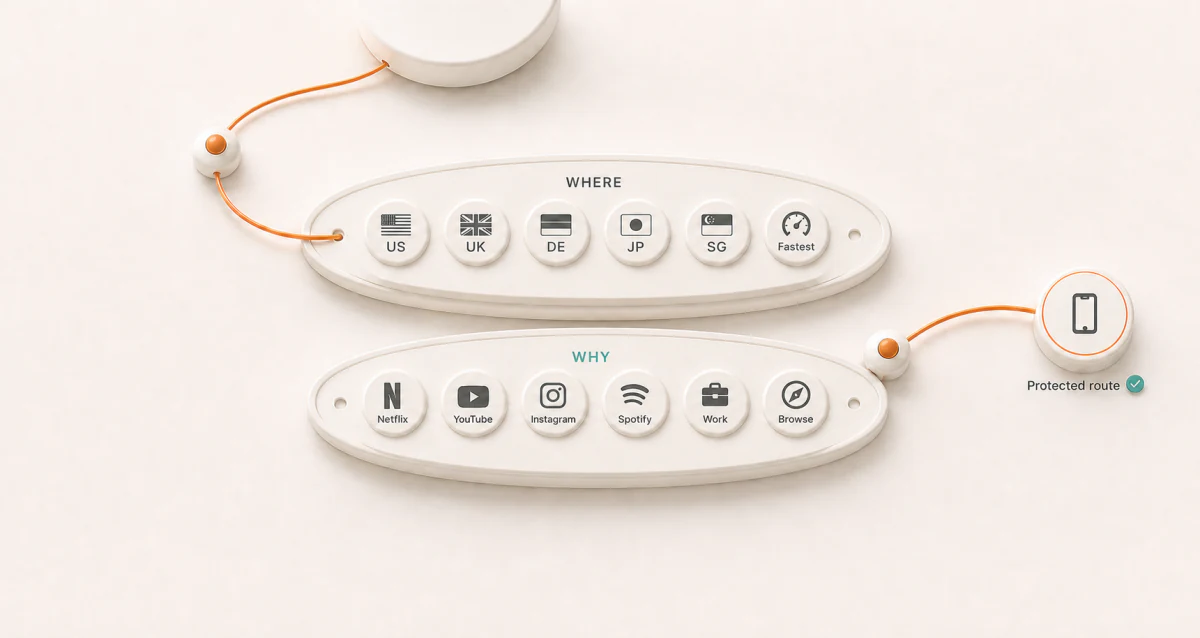
Route through a global network and use Fastest when you want Dash to make the choice.
Connect by location or choose an optimized path for streaming, social apps, gaming, work, or browsing.
Apple’s App Store privacy label says the developer does not collect data from the app.
Browse inside Dash with privacy tools designed to reduce ads and common tracking distractions.
Choose service-aware routes and performance controls for demanding entertainment sessions.
Meet Dash VPN
See your protection, search global regions, or connect for a supported service without losing your place. These are real Dash VPN screens—brought together as one product.
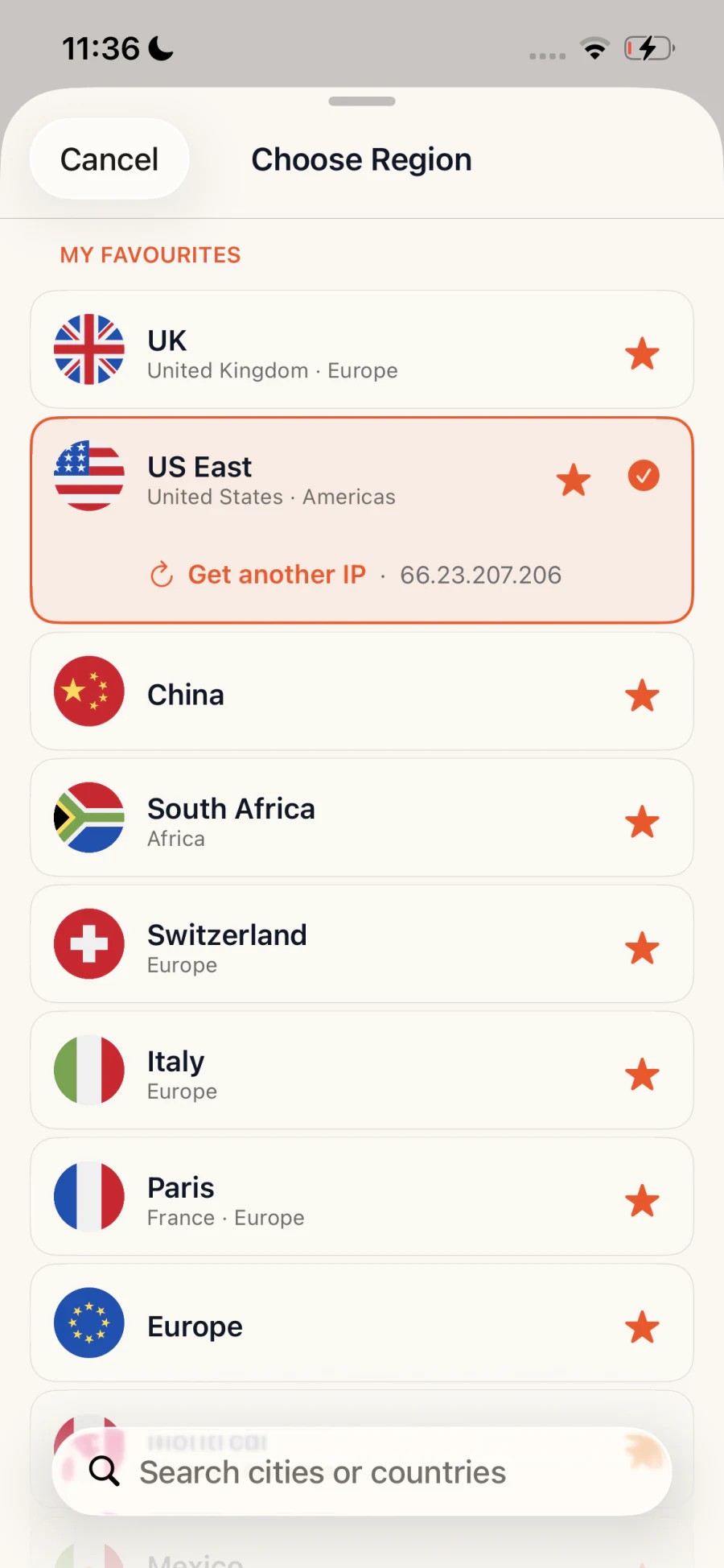
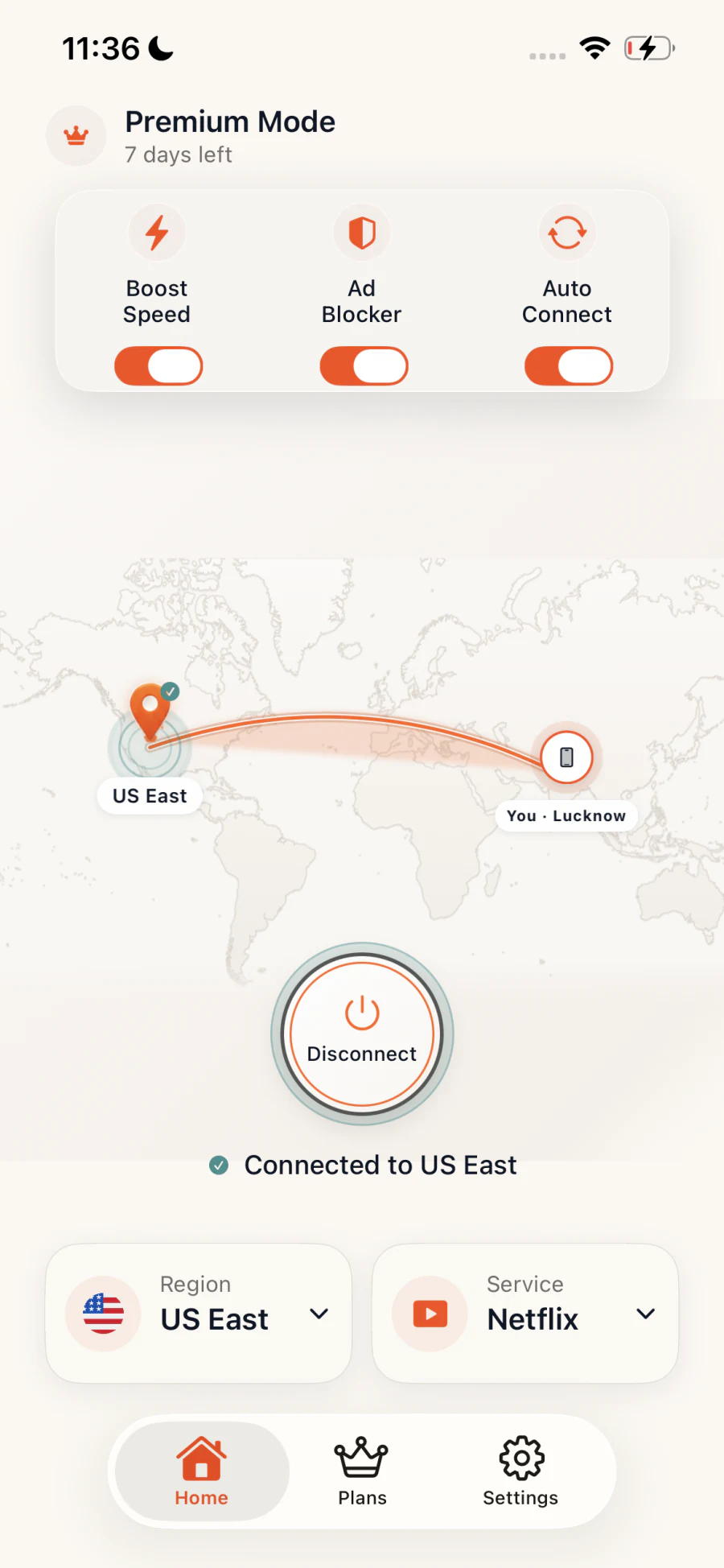
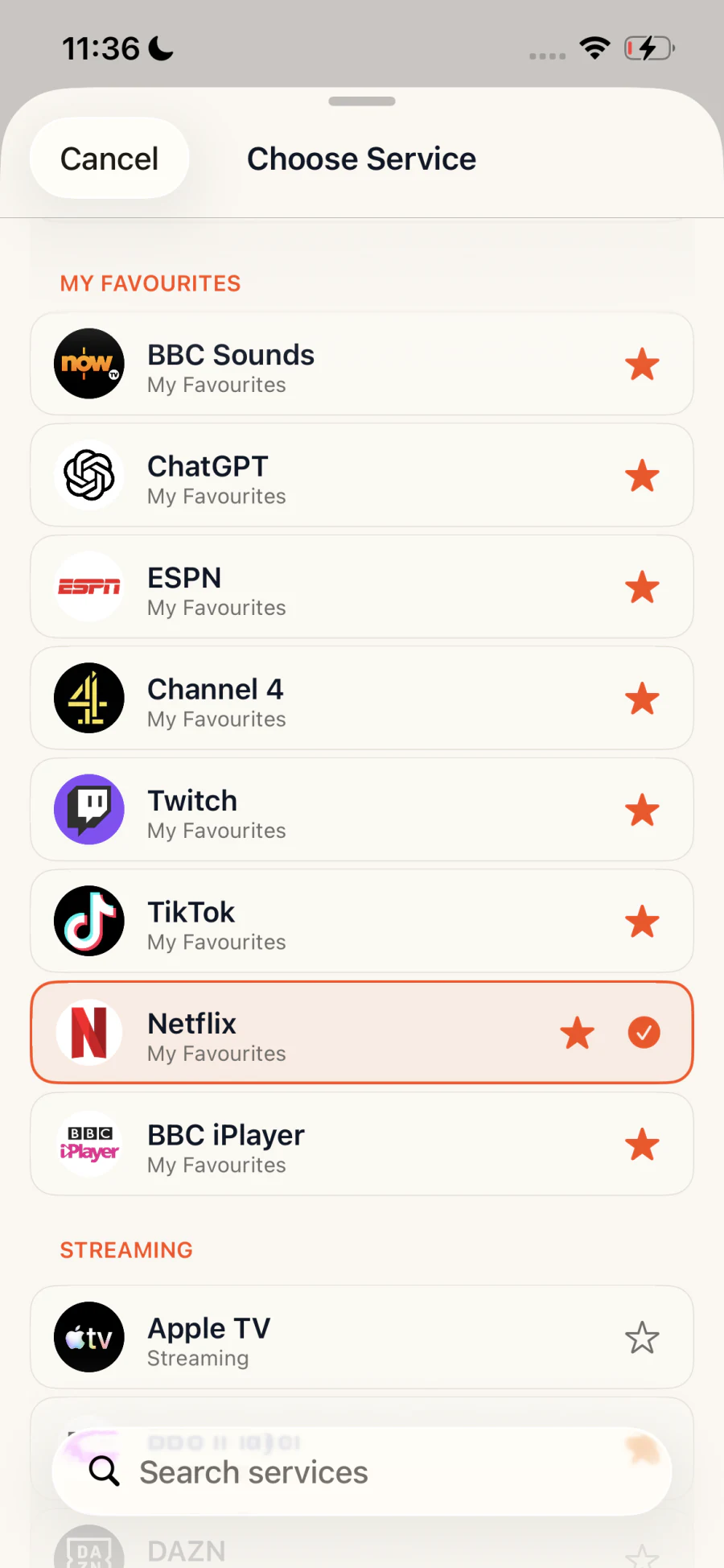
Actual Dash VPN interface
Start with intent
Pick a region when location matters. Pick a service when the destination matters more. Dash searches a network of 1,000+ servers and keeps your choice visible before you connect.
Protection without busywork
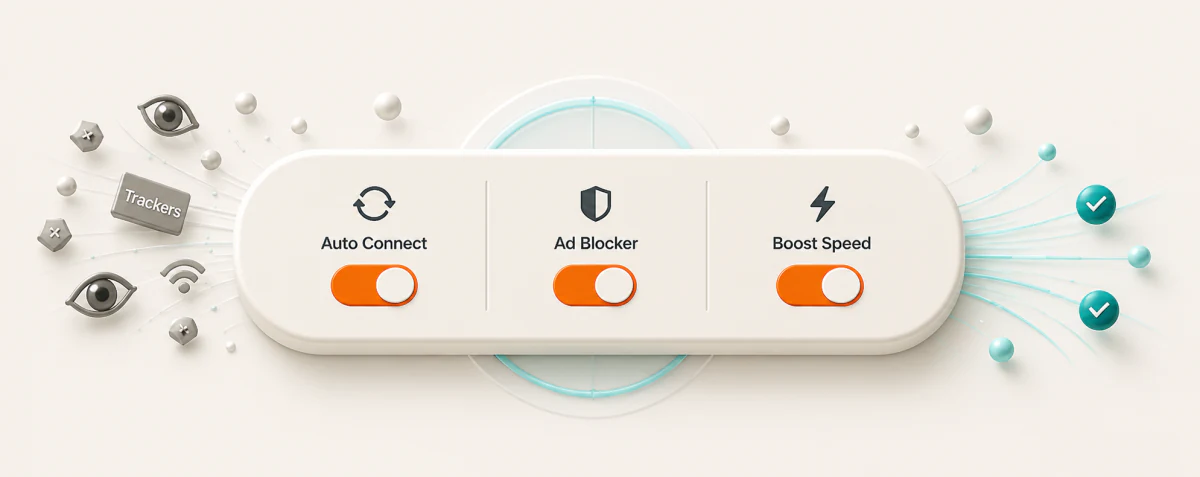
Auto Connect helps keep the VPN ready when your network changes. Ad Blocker supports cleaner browsing inside Dash’s private browser. Boost Speed is available for demanding streaming and gaming sessions.
Know what Connect does
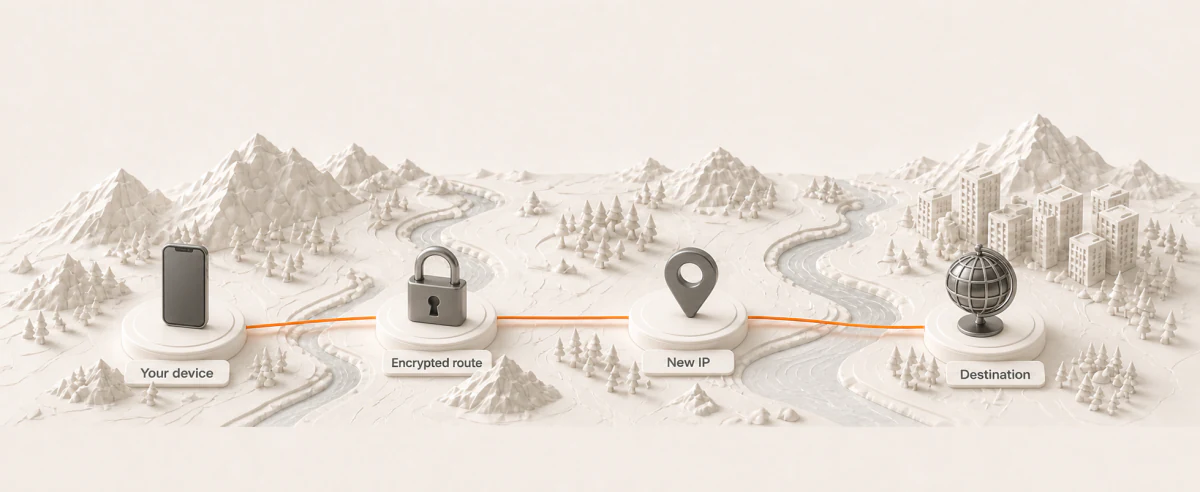
Dash routes your internet traffic through an encrypted VPN connection to the server you choose. Websites and services see the VPN server’s IP address rather than the address of your current network.
VPN privacy without the maze
You do not need to hand over a name, email address, or account before using Dash VPN.
Apple’s App Store privacy label lists “Data Not Collected” for Dash VPN.
See the selected region or service and your connection state without digging through settings.
VPN for Apple devices
Download Dash VPN for iPhone, iPad, and Mac from one App Store listing. Availability and features may vary by device.
View Dash VPN on the App StoreFrom the App Store
4.7 out of 5 from 13K ratings on the US App Store.
“Connection stability 100%.”
“It’s quick and easy and I get the protection I need.”
Read more verified feedback on the App Store.
A few useful answers
Dash creates an encrypted connection between your Apple device and a Dash VPN server. That helps protect traffic on networks such as public Wi-Fi and replaces your current network IP address with the VPN server’s IP address.
No. Open Dash and start without creating a separate Dash account or providing an email address. If you purchase a subscription, Apple handles it through your Apple Account.
Yes. Pick a global VPN region, use Fastest, or choose a supported streaming, social, gaming, or crypto service. Dash then connects you through a suitable route.
More server choices give you flexibility to connect by location or purpose. Availability can change as the network is maintained and expanded.
Dash supports iPhone and iPad with iOS or iPadOS 13 or later, plus Mac with macOS 10.13 or later. Download it from the Apple App Store.
Subscriptions and purchases are handled by Apple. Review, change, or cancel yours in your Apple Account subscription settings; Dash support can help if you are unsure where to look.
From download to connected
No account to create. Start with your Apple device, then check the connection for yourself.
Open the App Store listing for iPhone, iPad or Mac. Check compatibility and the access options available for your device.
View Dash on the App StoreOpen Dash, approve the VPN configuration and start with Fastest. Wait for the connected state before opening another app.
Explore available regionsLoad a familiar HTTPS page, then try your task. A service route does not include another service’s account or subscription.
Get connection helpYour route is ready
Download Dash VPN for iPhone, iPad, or Mac. Review the current App Store listing for device requirements, privacy declarations, prices and in-app purchases.
Download on the App Store